
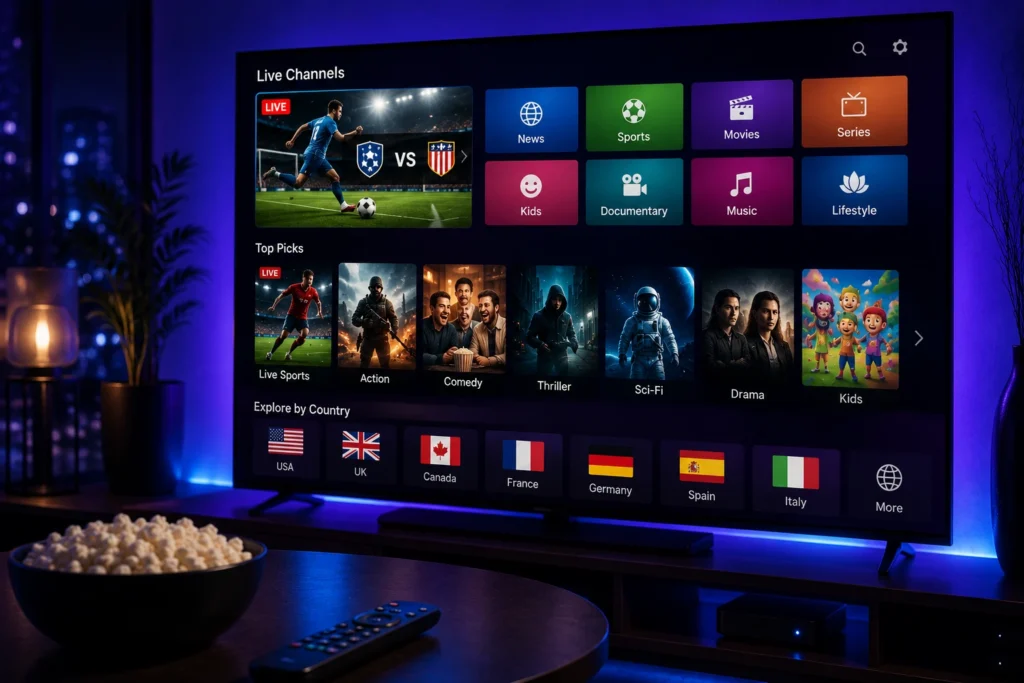
The way people watch television has changed significantly in recent years. Traditional cable and satellite services are no longer the only options for accessing television content. With a stable internet connection and a compatible device, viewers can now access television programming through internet-based streaming technology.
IPTV is one of the technologies behind this change. It allows television content to be delivered through an internet connection rather than traditional broadcasting methods. Because of its flexibility and compatibility with modern devices, IP tv has become increasingly popular with viewers around the world.
Whether you are completely new to IP tv or already use an IPTV service, understanding how the technology works can help you make better decisions when choosing a service, application, or device.
What Is IPTV?
IPTV stands for Internet Protocol Television. It refers to the delivery of television content through internet protocol networks.
Instead of receiving television programming through a traditional cable connection, satellite signal, or terrestrial broadcast, IP tv delivers content through an internet connection.
The technology can support different types of television content, depending on the service and the rights associated with the content. These may include:
- Live television
- Sports
- News
- Entertainment
- International programming
- Movies and other available video content
The exact content offered depends on the IP tv provider.
It is important to understand that IP tv is a technology, not automatically a specific type of subscription or a particular application. Different companies can use IP tv technology to provide different services.
How Does IPTV Work?
The basic concept behind IP tv is relatively straightforward.
Television content is prepared by a provider and delivered through an internet network. A compatible device and IPTV player then receive the information and display the content to the viewer.
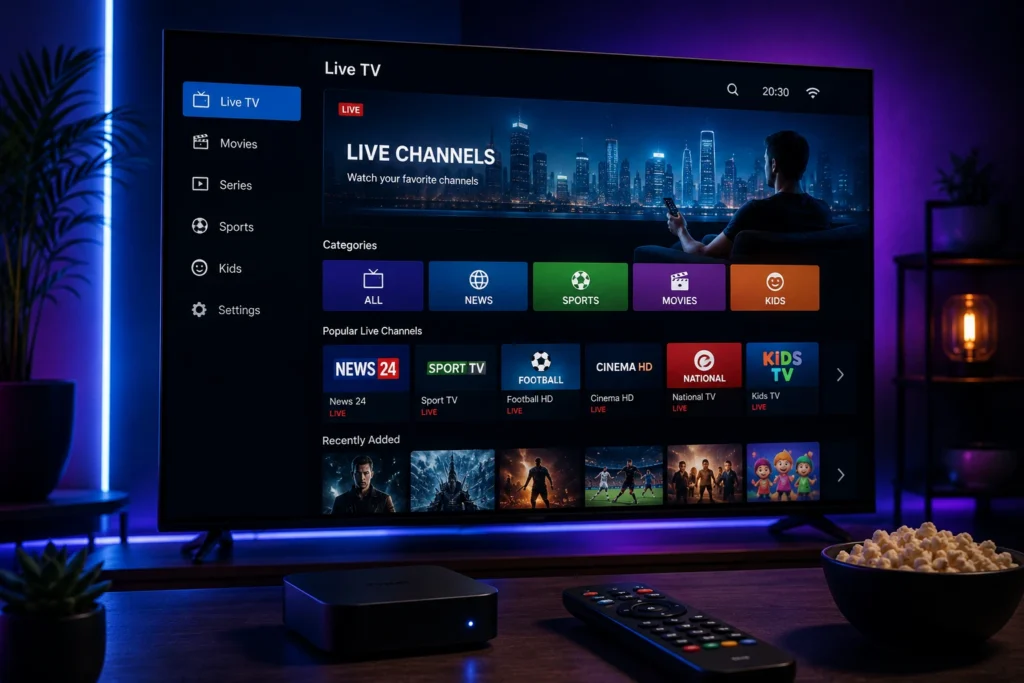
A typical IP tv setup includes several components:
- Internet connection — provides access to the online service.
- IPTV provider — supplies the available television content.
- IPTV player — displays the content on the user’s device.
- Compatible device — such as a Smart TV, Android device, smartphone, tablet, or computer.
- Service credentials or playlist information — used to configure the service when required.
Once everything is configured correctly, the viewer can access the content supported by the service.
The quality of the experience depends on several factors, including the internet connection, device performance, application compatibility, network congestion, and the provider’s infrastructure.
Why Is IPTV Becoming Popular?
There are several reasons why IP tv streaming has attracted viewers worldwide.
Flexible Viewing
One of the main advantages of internet-based television is flexibility.
Instead of being limited to one television connection, viewers can potentially access their service from different compatible devices.
This can be useful for people who want to watch television at home, while travelling, or from different rooms.
Multiple Device Options
Modern IPTV services can work with many types of connected devices.
Depending on the provider and IPTV player, users may be able to watch content on:
- Smart TVs
- Android TV
- Android smartphones
- iPhone
- iPad
- Apple TV
- Chromecast
- Fire TV devices
- Windows computers
- Mac computers
Before choosing an IPTV service, it is important to check whether it supports the device you intend to use.
Internet-Based Technology
IPTV uses an internet connection to deliver television content.
This makes it different from traditional television systems that rely primarily on satellite, cable, or terrestrial broadcasting.
For households that already have reliable broadband internet, IPTV can provide another way to access television programming.
IPTV vs Traditional Television
Traditional television and IPTV deliver content in different ways.
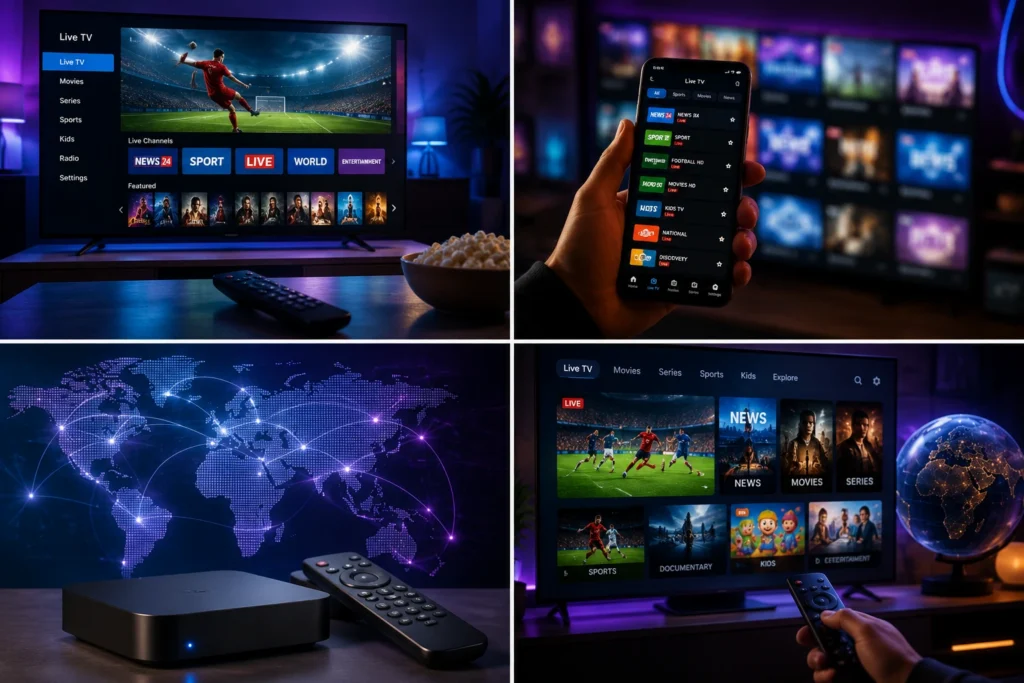
Cable television uses a physical cable network, while satellite television uses satellite signals received by a dish. IP TV uses internet networks to deliver television content.
This difference can provide IP TV users with additional flexibility, particularly when using multiple connected devices.
However, IP TV also depends heavily on internet performance.
If your internet connection is unstable, your IP TV experience may be affected even when the service itself is operating normally.
What Is an IPTV Service?
An IPTV service is a service that uses internet-based technology to provide television content.
Different IP TV services can vary considerably.
Some may focus primarily on live television, while others may provide sports, entertainment, news, or international programming.
Because services differ, viewers should avoid choosing an IP TV provider based only on the size of its advertised channel list.
Other factors are equally important, including:
- Streaming stability
- Video quality
- Device compatibility
- Application support
- Customer service
- Subscription terms
- Content availability
- Legal rights and licensing
What Is an IPTV Subscription?
An IPTV subscription provides access to a particular IP TV service for a specified period.
Subscription options can vary between providers.
Common plans may include:
- Monthly subscriptions
- 3-month subscriptions
- 6-month subscriptions
- 12-month subscriptions
A monthly IP TV subscription may be suitable for someone who wants flexibility, while longer plans may appeal to viewers who already know that a service meets their requirements.
Before purchasing any subscription, review the provider’s terms, pricing, renewal conditions, and refund policy.
What Is an IPTV Player?
An IPTV player is an application used to display television content provided through an IP TV service.
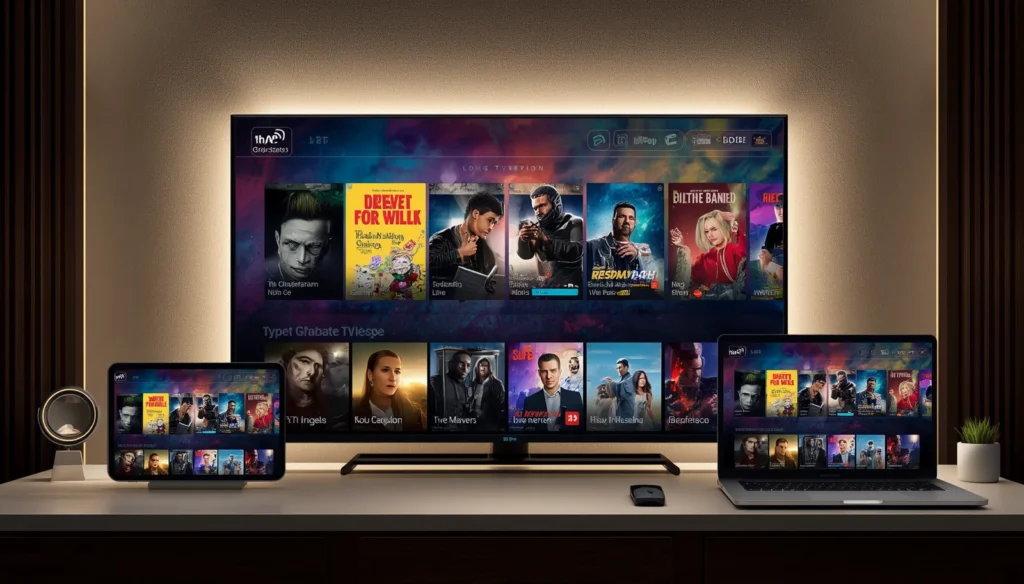
The player and the IP TV subscription are not necessarily the same thing.
The subscription provides access to the service, while the player provides the interface used to watch the available content.
Different IP TV players can offer different features, interfaces, and device compatibility.
When selecting an IP TV player, consider:
- Supported devices
- Ease of use
- Playlist compatibility
- Electronic Program Guide support
- Playback features
- Application updates
- Developer reputation
Always download applications from official or trusted sources.
IPTV for Smart TV
Smart TVs are among the most popular devices for IP TV streaming.
A Smart TV provides a large screen and, depending on its operating system, may support compatible IP TV applications directly.
Before choosing an IP TV service for your television, check:
- Your TV operating system
- Supported IP TV applications
- Required service format
- Internet connection quality
- Available storage and device limitations
If your television does not support the application you want to use, an external streaming device may provide another option.
IPTV for Android
Android devices provide considerable flexibility for I PTV users.
An IP TV service may be accessed through compatible IP TV players on:
- Android smartphones
- Android tablets
- Android TV
- Android TV boxes
Android can be particularly convenient for users who want to move between television and mobile devices.
However, application compatibility can vary, so always check the requirements before subscribing.
IPTV for iPhone and iPad
Apple devices can also support IP TV through compatible applications.
Users interested in IP TV for iPhone or IP TV for iPad should first check whether their preferred player supports the current version of iOS or iPadOS.
Because applications can change over time, it is a good idea to verify current compatibility before purchasing a subscription specifically for an Apple device.
IPTV Streaming Quality
Streaming quality is one of the most important considerations when choosing an IP TV service.
Depending on the provider and available content, viewers may encounter different resolutions, including standard definition, HD, Full HD, and 4K.
However, resolution is only one part of the overall experience.
A stable HD stream can be better than a 4K stream that constantly buffers.
For this reason, users should consider both image quality and streaming stability.
What Internet Speed Does IPTV Need?
The amount of internet bandwidth required for IP TV depends on the video quality and the number of devices using the network.
Higher-resolution video generally requires more bandwidth.
However, speed is not the only consideration.
Network stability, latency, Wi-Fi signal strength, router performance, and network congestion can all affect playback.
If several people in your household are simultaneously streaming, gaming, downloading files, or participating in video calls, the available bandwidth may be divided between multiple activities.
Is IPTV Legal?
IPTV technology itself is legal. The important question is whether a particular service has the appropriate rights to distribute the content it provides.
Not every IP TV provider operates under the same licensing arrangements.
For this reason, viewers should choose legitimate services and verify that the content they access is authorized for distribution in their region.
Laws and licensing requirements can vary between countries, so users should consider the rules applicable to their location.
IPTV for International Viewers
One reason IP TV has become attractive to a global audience is the flexibility of internet-based television.
Viewers may be interested in international news, sports, entertainment, and television programming from different regions.
However, content availability can vary depending on location and licensing agreements.
A service that offers particular programming in one country may not necessarily offer the same content in another.
This is why international users should always check local availability before subscribing.
How to Choose an IPTV Service
Choosing the right IP TV service requires more than comparing prices.
Start by identifying your actual viewing requirements.
Ask yourself:
- Which channels or content categories do I watch?
- Which device will I use?
- Do I need mobile access?
- Do I prefer HD or 4K when available?
- How important is streaming stability?
- Do I need customer support?
- What subscription length suits me?
- Is the service legally available in my country?
Once you understand your requirements, you can compare providers based on practical features instead of marketing claims.
Common IPTV Mistakes Beginners Should Avoid
People new to IPT V often make a few common mistakes.
Choosing Only by Price
The cheapest IPT V subscription is not necessarily the best choice.
A low price may not tell you anything about stability, support, device compatibility, or content rights.
Focusing Only on Channel Numbers
A large channel list may look attractive, but it does not guarantee reliable streaming.
Focus on the overall service experience.
Ignoring Device Compatibility
Always confirm that your IP TV player and service work with your Smart TV, Android device, iPhone, iPad, or other preferred platform.
Ignoring Internet Performance
Even a reliable IPT V service can experience playback problems when the user’s internet connection is unstable.
A good streaming setup requires both a suitable service and a dependable network.
Final Thoughts
IP TV has become an important part of modern television because it allows content to be delivered through internet networks and accessed from a wide range of connected devices.
From Smart TVs and Android devices to iPhone, iPad, Apple TV, and computers, viewers have more flexibility than traditional television systems typically provide.
However, choosing an IP TV service should not be based only on price or the number of channels advertised. Streaming stability, video quality, device compatibility, customer support, subscription terms, and content rights are all important factors.
Understanding these basics is the first step toward choosing an IP TV solution that matches your viewing habits and technical setup.
7 Practical Tips for a Better IPTV Experience
Understanding IP TV is important, but getting a smooth viewing experience also depends on how you configure your device, internet connection, and IP TV player.
Whether you are using IP TV on a Smart TV, Android device, iPhone, iPad, or streaming device, a few simple practices can make everyday streaming more convenient.
1. Use a Stable Internet Connection
A stable internet connection is one of the most important requirements for IPTV streaming.
Even when an IP TV service is working correctly, an unstable connection can cause buffering, freezing, or playback interruptions.
For a better experience:
- Place your Wi-Fi router in a suitable location.
- Avoid unnecessary network traffic while streaming.
- Restart your router if you experience temporary connection problems.
- Use an Ethernet connection when practical.
- Keep your router and device software updated.
2. Choose the Right IPTV Player
The IP TV player you use can affect how convenient your experience is.
Different players support different devices and features, so choose one that is compatible with your Smart TV, Android device, iPhone, iPad, Apple TV, or other streaming hardware.
Look for features such as:
- Easy navigation
- Playlist support
- Electronic Program Guide support
- Reliable playback
- Subtitle support where available
- Regular application updates
Always obtain applications from official or trusted sources.
3. Keep Your Device Updated
Outdated device software can sometimes create compatibility or performance problems.
Check for available updates for your Smart TV, Android device, Apple device, or streaming hardware.
Keeping your device and IP TV player updated can also help maintain compatibility with newer applications and services.
How to Fix IPTV Buffering
One of the most common IP TV problems is buffering.
If your IP TV keeps buffering, start with the simplest checks before assuming that the service itself is responsible.
Check Your Internet
Run a speed test and check whether your connection is stable.
A connection that looks fast during one test can still experience instability during peak periods.
Restart Your Router
Turn off the router, wait briefly, and restart it.
This can sometimes resolve temporary network problems.
Check Wi-Fi Signal
If your device is far from the router, the wireless signal may be weaker.
Try moving the device closer to the router or use Ethernet when possible.
Reduce Other Network Activity
Pause large downloads, cloud backups, or unnecessary streaming sessions while watching IP TV.
This can free up bandwidth for your IP TV stream.
Test Another Stream
If only one channel or program is buffering while others work normally, the issue may be specific to that stream.
Testing several available streams can help identify the source of the problem.
How to Improve IPTV Picture Quality
If your IP TV service supports multiple resolutions, choose a quality that matches your internet connection and device.
HD Streaming
HD can provide an excellent balance between image quality and bandwidth requirements.
Full HD
Full HD can provide sharper images on larger screens when your connection can handle it consistently.
4K IPTV
4K IP TV can provide highly detailed images on compatible televisions and devices.
However, 4K requires suitable hardware, sufficient bandwidth, and an available 4K source.
A stable HD stream is often preferable to an unstable 4K stream.
IPTV on Different Devices
One of IPTV’s major advantages is the variety of compatible devices available to viewers.
Smart TV
A Smart TV can provide a convenient home viewing experience.
Check your TV’s operating system and available applications before choosing an IPTV service.
Android TV
Android TV provides a flexible platform for IPTV players and other streaming applications.
Users can select a compatible player and configure the service according to the provider’s instructions.
Android Phones and Tablets
Android devices are useful for mobile viewing.
If you regularly watch IPTV using mobile data, keep an eye on data consumption, particularly when using HD or 4K video.
iPhone and iPad
Apple devices can also support IPTV through compatible applications.
Check the current application requirements before subscribing specifically for an iPhone or iPad.
Apple TV and Chromecast
Dedicated streaming devices can provide another way to bring internet-based television to a larger screen.
Compatibility depends on the device, operating system, application, and service.
How to Choose an IPTV Subscription
If you are ready to choose an IPTV subscription, compare providers carefully.
Do not focus exclusively on price.
Instead, consider:
Content: Does the service offer the type of programming you actually watch?
Compatibility: Does it work with your preferred device?
Stability: Does the service provide consistent playback?
Quality: Does it support appropriate video quality?
Support: Can you get help when you have technical questions?
Terms: Are the subscription duration, renewal, refund, and usage conditions clearly explained?
Licensing: Does the provider have the appropriate rights to distribute its content?
These factors are more useful than simply choosing the service with the largest advertised channel list.
Monthly vs. Long-Term IPTV Subscription
IPTV subscription plans can have different durations.
A monthly plan provides flexibility and may be useful when you are evaluating a service.
A 3-month or 6-month subscription may be suitable for viewers who already know what they need.
A 12-month IPTV subscription can be convenient for someone who intends to use the service over a longer period.
Before selecting a long-term plan, make sure you understand the provider’s terms and are satisfied with the service.
IPTV Security and Privacy Tips
Streaming online also means paying attention to basic security.
Avoid downloading unknown applications from websites that you do not trust.
You should also be careful when entering personal or payment information.
Before subscribing to an IPTV service, look for:
- A professional website
- Clear service information
- Transparent pricing
- Privacy information
- Clear terms and conditions
- Legitimate customer support
Never provide sensitive information to suspicious websites simply because they promise access to premium content.
My Stream Nova IPTV
For viewers looking for an IPTV subscription, My Stream Nova offers an internet-based television solution for compatible devices.
The service is designed to provide a flexible streaming experience through supported IPTV players and devices.
Whether you are using a compatible Smart TV, Android device, or another supported platform, the first step is to confirm compatibility and choose the subscription plan that matches your needs.
My Stream Nova can also help customers with questions about setup, compatible devices, and getting started with the service.
How to Get Started With My Stream Nova
Getting started is simple.
Choose Your Plan
Select the subscription duration that fits your viewing needs.
Confirm Your Device
Make sure your Smart TV, Android device, Apple device, or other streaming hardware is compatible with the required setup.
Install a Compatible Player
Use a suitable IPTV player from a trusted source.
Configure Your Service
Follow the setup information supplied by My Stream Nova and enter the required details carefully.
Start Streaming
Once the setup is complete, test your connection and explore the available content.
If you experience a technical problem, check your internet connection and device configuration before contacting support.
Frequently Asked Questions About IPTV
What is IPTV?
IPTV stands for Internet Protocol Television. It is a technology that delivers television content through internet protocol networks.
How does IPTV work?
IPTV delivers television content over an internet connection. Users typically access the service through a compatible device and IPTV player.
Do I need an IPTV subscription?
If you want to access content from a particular IPTV provider, you generally need an active subscription or other authorized access provided by that service.
Can I use IPTV on a Smart TV?
Yes, many IPTV services can work on compatible Smart TVs through supported IPTV players.
Can I use IPTV on Android?
Yes. IPTV can be accessed on compatible Android smartphones, tablets, Android TV devices, and Android TV boxes.
Can I use IPTV on iPhone and iPad?
Some IPTV players support iPhone and iPad. Always verify current compatibility before choosing a service.
Why does my IPTV keep buffering?
Buffering can be caused by weak Wi-Fi, network congestion, unstable internet, device limitations, application problems, or issues affecting the specific stream.
Is 4K IPTV better than HD?
4K provides greater image detail, but it also requires suitable hardware and sufficient bandwidth. Stable HD can provide a better experience when a connection cannot consistently handle 4K.
How much does IPTV cost?
The cost of an IPTV subscription varies depending on the provider, subscription duration, features, and content offered.
Compare the complete service rather than choosing only by price.
Is IPTV legal?
IPTV technology itself is legal. The key issue is whether a particular provider has the appropriate rights to distribute the content it offers.
Users should choose legitimate services and verify that content is authorized in their region.
Ready to Get Started?
Looking for an IPTV subscription for your compatible device? My Stream Nova can help you choose a suitable plan and guide you through the setup process.
Have questions about the service, pricing, device compatibility, or setup? Contact My Stream Nova directly on WhatsApp.
👉 Message My Stream Nova on WhatsApp:
Chat with My Stream Nova on WhatsApp
Final Thoughts
IPTV provides a flexible way to access television content through the internet and compatible devices.
A successful IPTV experience depends on several factors, including the quality of your internet connection, device compatibility, IPTV player, streaming quality, and the reliability of the service you choose.
Before purchasing an IPTV subscription, compare the available options carefully and review the provider’s terms, content rights, supported devices, and customer support.
Whether you are new to IPTV or already use an IPTV service, choosing the right setup can make streaming more convenient and enjoyable.