
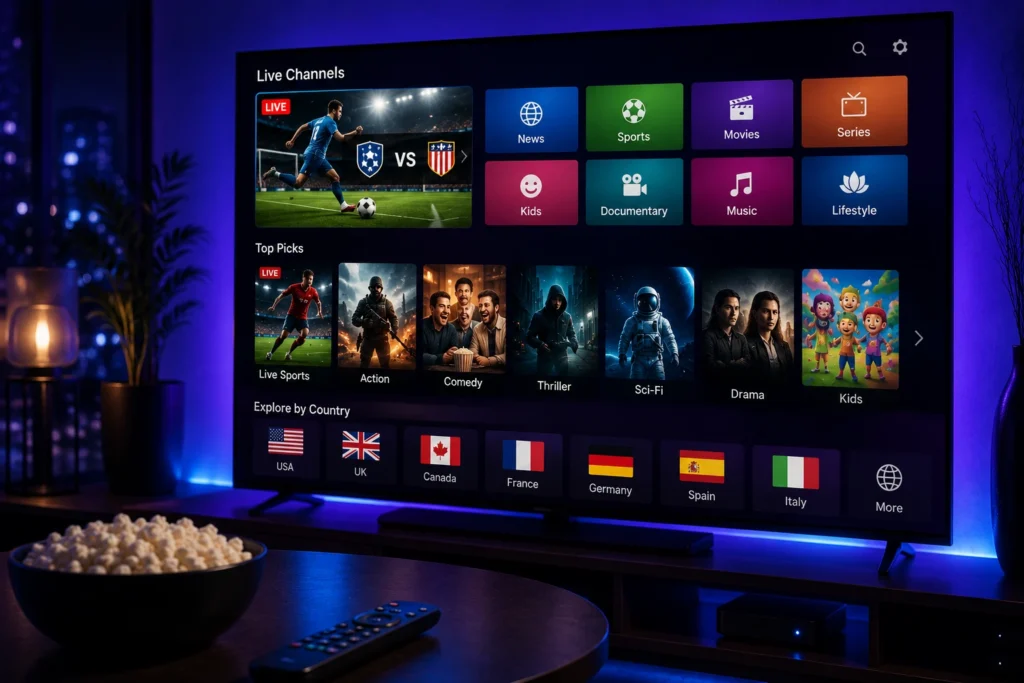
IPTV on Roku TV: Best Ultimate Guide for Easy Streaming
Roku TV is a popular choice for people who want a simple and affordable way to stream content. If you are interested in IPTV on Roku TV, there are a few things you should understand before choosing a setup.
IPTV can provide access to live television and on-demand content through an internet connection. However, Roku works differently from Android TV or Google TV, so choosing the right solution is important.
What Is IPTV on Roku TV?
IPTV on Roku TV means accessing television content delivered over the internet using a Roku TV or Roku streaming device.
Unlike traditional cable or satellite television, IPTV uses your internet connection. Depending on the service and setup, you may be able to watch live channels, movies, series, sports, and other content.
The main difference is that Roku has its own operating system and app ecosystem, so not every IPTV application available on Android devices will work directly on Roku.
Can You Use IPTV on Roku TV?
Yes, but the available options depend on the IPTV service, application, and Roku model.
Roku does not offer the same level of flexibility as Android TV when it comes to installing third-party IPTV applications. For this reason, users should check compatibility before purchasing an IPTV subscription or device.
Another option is using a compatible external streaming device that supports the IPTV application you want to use and connecting it to your Roku TV through HDMI.
What Do You Need?
To use IPTV with your Roku TV setup, you generally need:
- A Roku TV or compatible streaming device
- A stable internet connection
- A legitimate IPTV service
- A compatible IPTV application or supported setup
- Your IPTV login or playlist information
The exact requirements depend on the provider and the method you choose.
IPTV on Roku TV vs Android TV
Roku and Android TV offer different experiences.
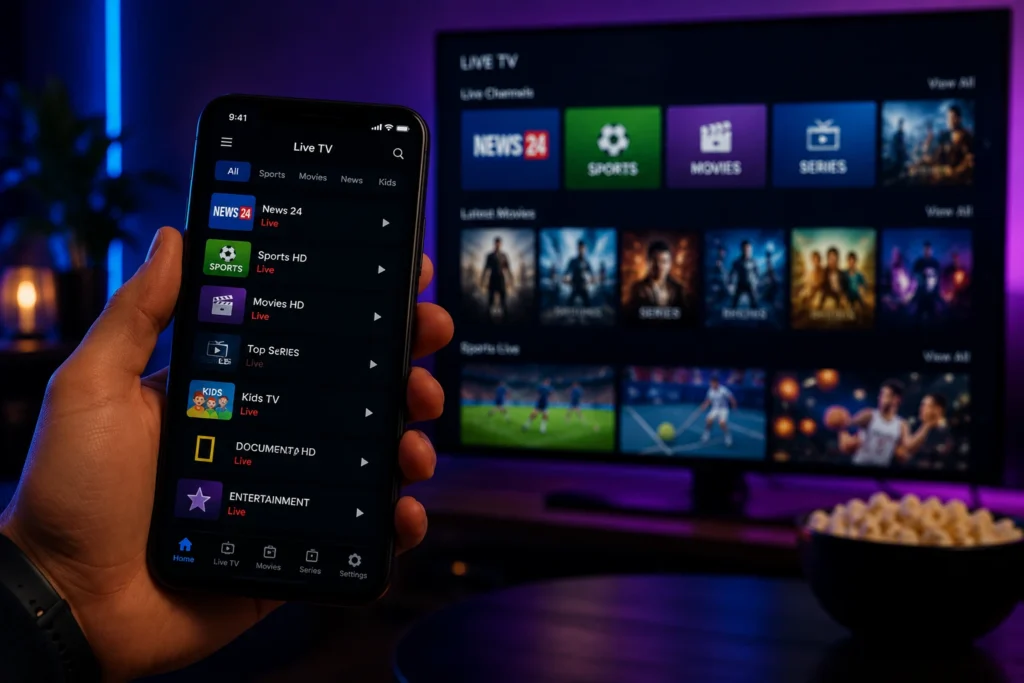
Android TV and Google TV usually provide more flexibility for installing IPTV applications. Roku focuses more on its own app ecosystem and simple user experience.
If you already own a Roku TV, you do not necessarily need to replace it. A compatible external streaming device can provide another way to access IPTV applications while keeping your Roku TV as the display.
How to Get Better IPTV Streaming
Your internet connection plays an important role in IPTV performance.
For a smoother experience:
- Use a stable Wi-Fi connection.
- Keep your Roku TV close to the router when possible.
- Use Ethernet if your setup supports it.
- Avoid heavy downloads while watching IPTV.
- Restart your router if streaming becomes unstable.
- Keep your streaming device updated.
For HD and 4K content, a reliable connection is especially important.
Common IPTV Problems on Roku TV
Users may experience buffering, connection problems, or compatibility issues.
If IPTV is not working correctly, start with the basics. Check your internet connection and restart the Roku TV and router. If the IPTV application or service is not officially supported by Roku, the problem may be related to compatibility rather than your internet connection.
If you are using an external device, check that the HDMI connection is working correctly and that the IPTV application is properly configured.
Is IPTV on Roku TV Legal?
IPTV is a technology used to deliver television content through the internet. The legality depends on the content being provided and whether the provider has the necessary rights or licenses.
Before subscribing, check the provider’s terms and make sure the content is legally available in your country.
Frequently Asked Questions
Can I install any IPTV app on Roku TV?
No. Roku has its own platform and does not support every IPTV application available on other operating systems.
Can I use an external device with Roku TV?
Yes. You can connect a compatible streaming device through HDMI and use an IPTV application supported by that device.
Does IPTV work in 4K on Roku TV?
It can, provided that your Roku TV, streaming device, IPTV service, content, and internet connection all support 4K streaming.
Why is IPTV buffering on my Roku TV?
Buffering can be caused by weak Wi-Fi, network congestion, device limitations, application problems, or issues with the IPTV service.
Do I need a separate IPTV subscription?
Yes, if you want access to IPTV content, you normally need a subscription or service that provides the content you want to watch.
My Stream Nova
If you are looking for an IPTV service and need help checking compatibility with your Roku TV setup, My Stream Nova can provide information about available subscription options and setup support.
Before subscribing, check your device compatibility and make sure the service offers the channels and content you actually need.
Contact My Stream Nova on WhatsApp
For IPTV subscription questions, device compatibility, or setup assistance, contact My Stream Nova on WhatsApp:
Final Thoughts
IPTV on Roku TV can be possible, but Roku’s platform works differently from Android TV and Google TV. The easiest solution depends on your existing equipment and the IPTV application you want to use.
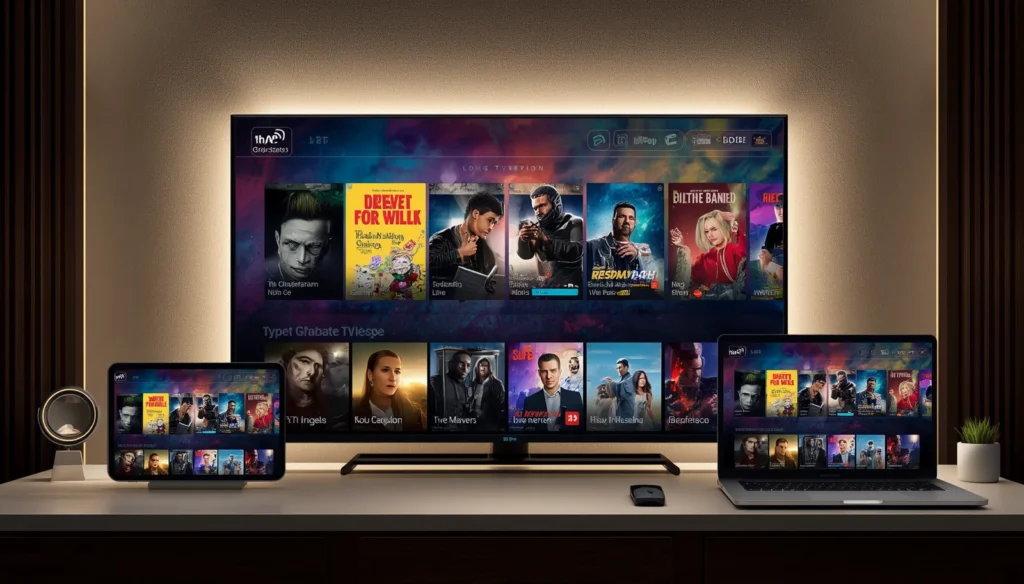
If you already have a Roku TV, check compatibility first. With the right setup, stable internet connection, and compatible service, you can enjoy a convenient IPTV streaming experience.IPTV on Roku TV