
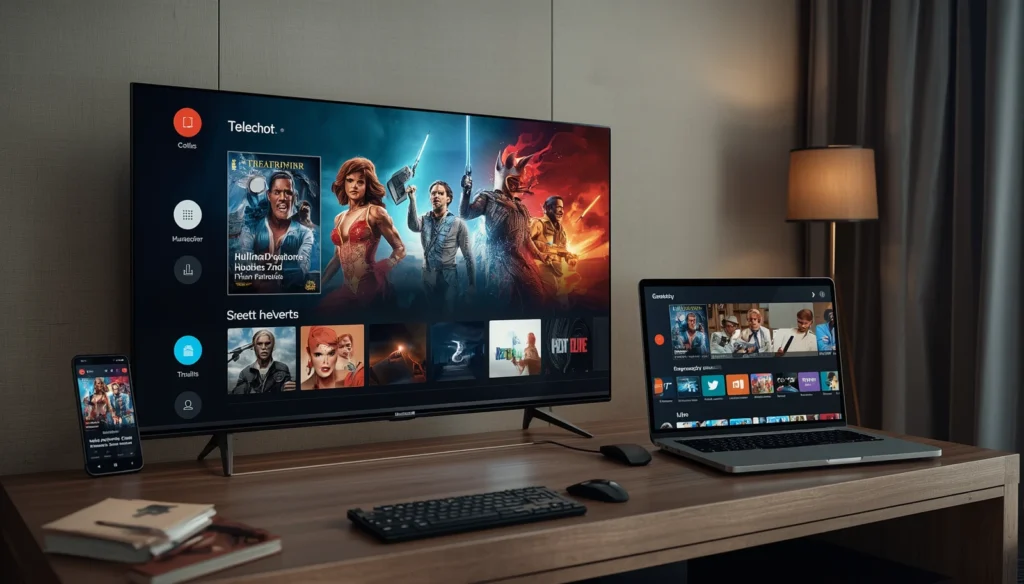
IPTV Setup Guide: Best Ultimate Guide for Easy Setup
Setting up IPTV does not have to be complicated. With a compatible device, a stable internet connection, and the correct IPTV subscription details, you can usually get started in a few simple steps.
This IPTV setup guide explains the basic process and covers the most common devices and problems you may encounter.
What Do You Need for IPTV Setup?
Before starting, make sure you have:
- A compatible Smart TV, streaming device, smartphone, tablet, or computer
- A stable internet connection
- An IPTV subscription from a service that is authorized to provide its content
- The login details or playlist information supplied by your provider
- A compatible IPTV player or application
The exact setup can vary depending on your device and IPTV service.
IPTV Setup on Smart TV
Many Smart TVs can use IPTV through compatible applications.
The general process is:
- Open the app store on your Smart TV.
- Search for a compatible IPTV player.
- Install the application.
- Open the app and follow its setup instructions.
- Enter the information provided by your IPTV service.
- Save the configuration and start streaming.
The available applications depend on your TV brand and operating system.
IPTV Setup on Android TV and Google TV
Android TV and Google TV generally offer several options for IPTV applications.
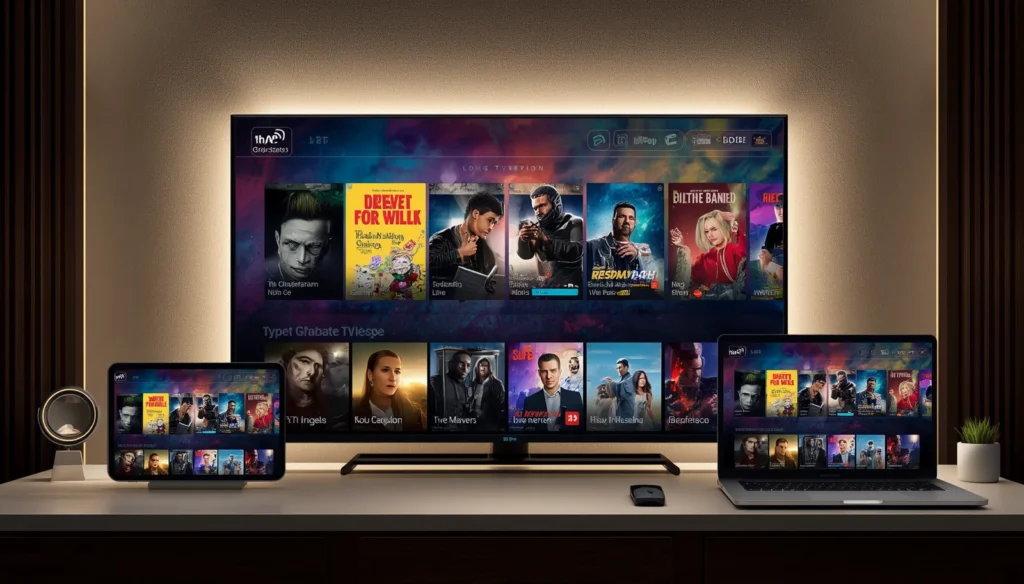
After installing a compatible player, you may be asked to enter login information, a playlist URL, or other details provided by your IPTV service.
Make sure every detail is entered correctly. A small typing error can prevent the playlist or account from loading.
IPTV Setup on Fire TV
If you use a Fire TV device, first make sure it is connected to the internet and signed into your Amazon account.
Then install a compatible IPTV application available for your device and follow the application’s instructions to add your IPTV service.
Always use applications and services that are legitimate and supported in your region.
IPTV Setup on Phone or Tablet
IPTV can also work on smartphones and tablets when a compatible application is available.
Install the appropriate player from the official app store, open it, and enter the subscription information supplied by your provider.
A stable Wi-Fi or mobile data connection is recommended for smooth streaming.
How to Reduce IPTV Buffering
Buffering is one of the most common IPTV problems. It does not always mean that the IPTV service itself is the problem.
Try these simple steps:
- Restart your router.
- Use a stable Wi-Fi connection.
- Move closer to the router.
- Use Ethernet when available.
- Close apps that are using your internet connection.
- Restart your TV or streaming device.
- Check whether the same problem happens on another device.
For HD and 4K streaming, a reliable connection is particularly important.
Common IPTV Setup Problems
Invalid Playlist or Login
Check that your username, password, or playlist URL has been entered exactly as provided.
App Not Working
Restart the application and check whether an update is available. If the problem continues, try another compatible player.
Channels Not Loading
Check your internet connection first. If other online services work normally but the IPTV channels do not load, contact your provider for assistance.
IPTV Works on One Device but Not Another
This can happen because of differences in applications, operating systems, device performance, or compatibility.
How to Get Better IPTV Performance
Your device can also affect the viewing experience. Keep its software updated and remove applications you no longer use if storage or performance is limited.
If possible, connect your main streaming device directly to your router using Ethernet. This can provide a more stable connection than Wi-Fi. IPTV Setup Guide
Also avoid running multiple high-bandwidth activities while watching IPTV. IPTV Setup Guide
Is IPTV Setup Legal?
IPTV is simply a method of delivering television content through an internet connection. The legality of a particular service depends on whether it has the necessary rights to distribute the content.
Before subscribing, check the provider’s terms and make sure its content is legally available in your country.
IPTV Setup Guide FAQ
How long does IPTV setup take?
For a compatible device, basic setup can usually be completed in a few minutes once you have the required subscription information.IPTV Setup Guide
Can I use IPTV on a Smart TV?
Yes, many Smart TVs support compatible IPTV applications, although available options vary by model and operating system.
Why is my IPTV buffering?
Buffering can result from unstable Wi-Fi, network congestion, device performance, application issues, or problems with the IPTV service.IPTV Setup Guide
Can I use IPTV on multiple devices?
This depends on your subscription terms. Some services allow multiple devices, while simultaneous streaming may be limited.
What should I do if IPTV setup does not work?
Check your internet connection, verify your login or playlist information, restart the device, and try a compatible IPTV player. If the issue remains, contact your IPTV provider. IPTV Setup Guide
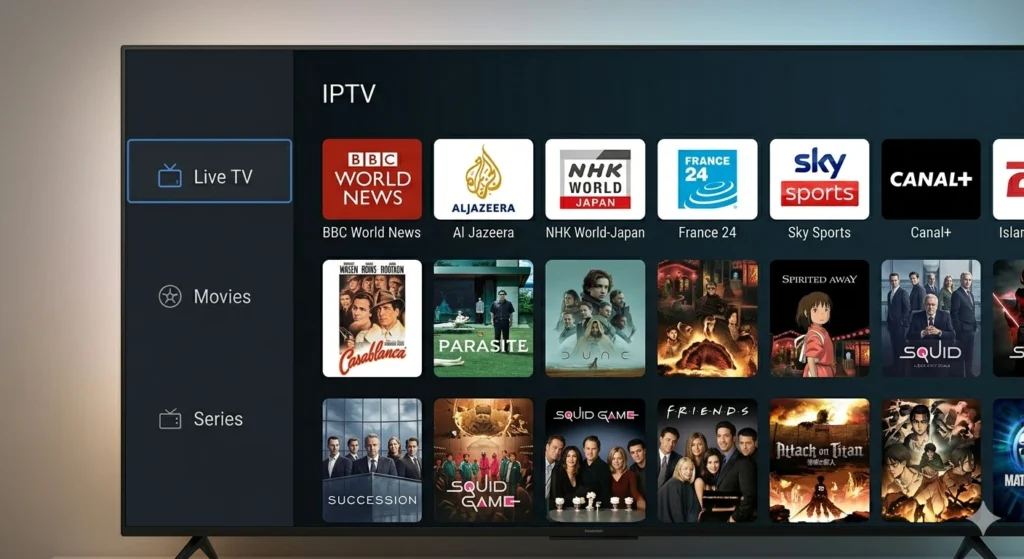
My Stream Nova
If you need help choosing an IPTV subscription or setting up your compatible device, My Stream Nova can provide information about available plans and setup support.IPTV Setup Guide
Before starting, make sure your device is compatible and that you have received the correct subscription details.
Contact My Stream Nova on WhatsApp
For IPTV subscription questions, device compatibility, or setup assistance, contact My Stream Nova on WhatsApp:
Final Thoughts
Setting up IPTV is usually straightforward when you have the right application, device, internet connection, and subscription details.
Follow the setup steps for your specific device, check your connection if you experience buffering, and contact your provider when you need help with account or service-related issues.IPTV Setup Guide